Vault keeps a complete, browsable copy of your Iconik asset metadata on storage you choose, in the open OASIS schema. Scheduled syncs keep it current, and you can search it when Iconik or the internet is not available. Protect your metadata in the open OASIS schema, on storage you control. Your data, always in your control.
Your media is on open storage, why not your metadata?
01
Choose where the copy lives.
Pick a storage location your computer can already reach, such as a local disk, a mounted network share, or a Windows network (UNC) path. Vault has no default location and never stores storage credentials.
If you want to use S3 storage, contact your reseller to learn more about the enterprise version of Vault.
02
Connect your Iconik account.
Select Connect iconik, approve Vault in your browser, then confirm your Iconik account and user in Vault. Vault creates a connection with read-only access to assets and collections. It never changes your asset metadata. The first backup copies the metadata of every asset your account can see, and you can browse while it runs.
03
Keep it current.
Vault copies only what changed, on a schedule you set between 5 minutes and 24 hours. Select Sync now to run a sync at any time. Scheduled syncs run while the Vault window is open.
Enterprise version required for background operation.
In the app
See Vault at work.
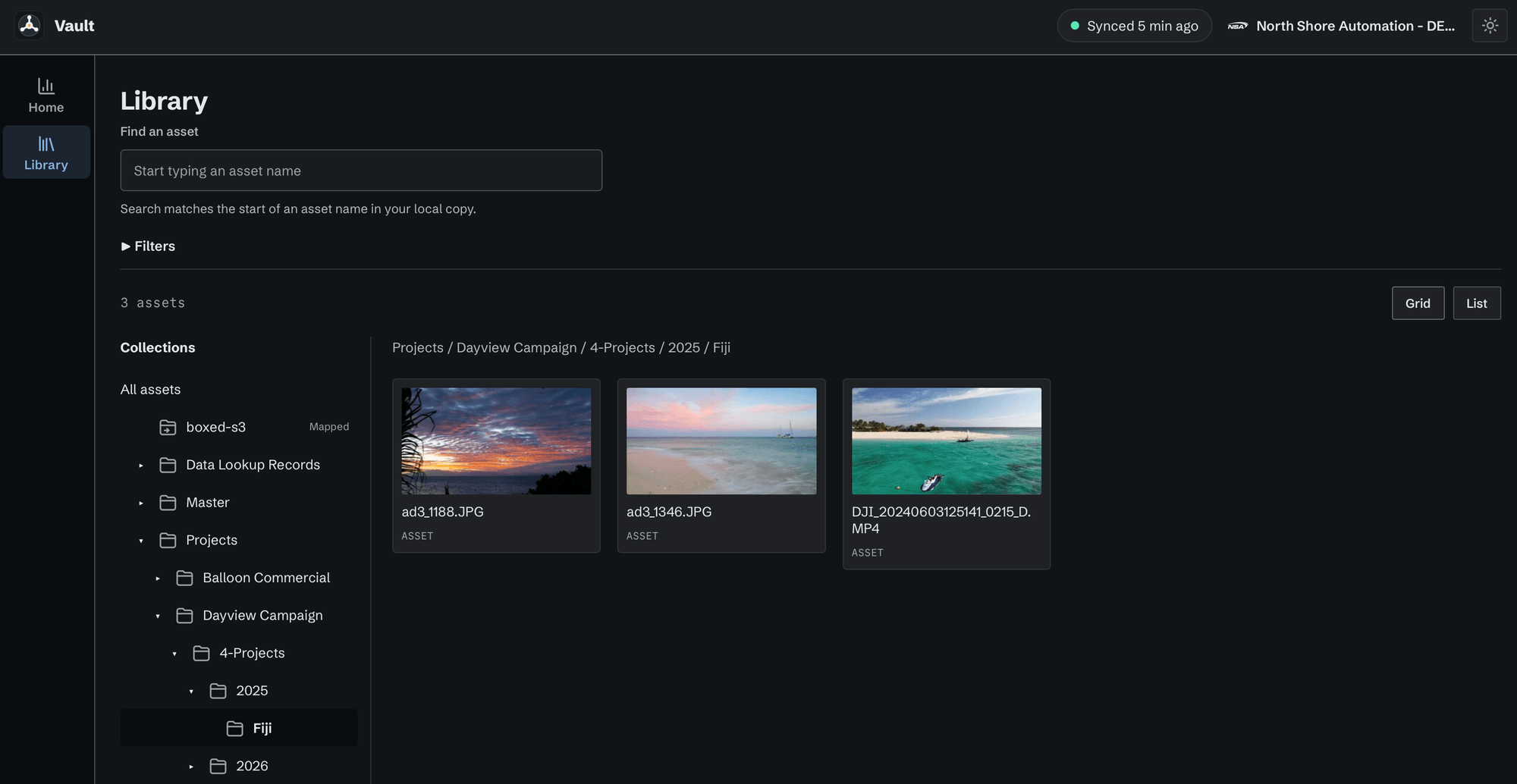
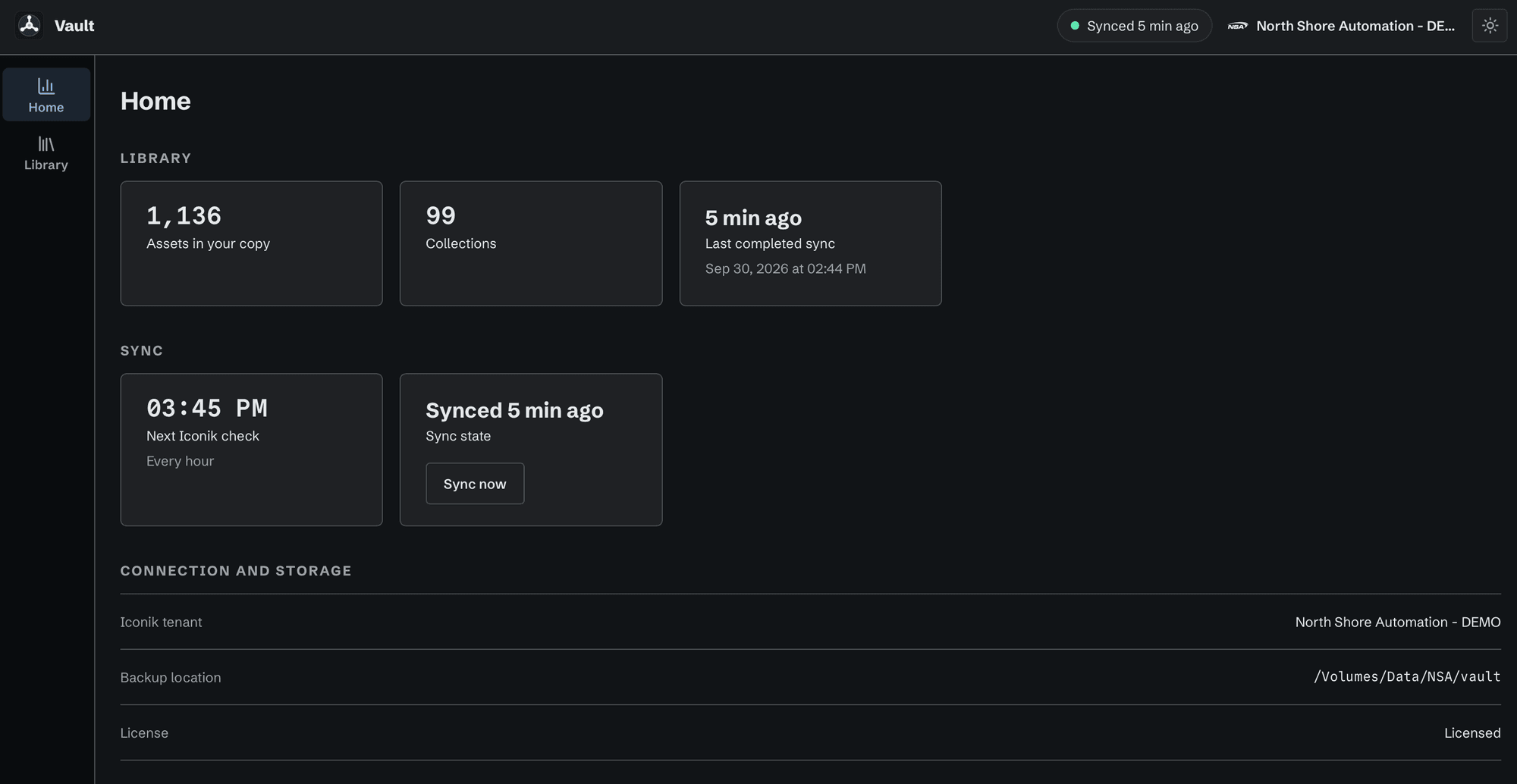
The Library: browse your Iconik collections in the local copy, with a preview image for each asset.Home: what is in your copy, when it last synced, and when the next scheduled check runs.
Why you need it.
Backup without lock-in. Open schema, your storage.
Copy
Keep all of the Iconik metadata for each asset.
Copies system & custom metadata, versions, collections, file groups, and markers.
Stores each asset in the open OASIS schema.
Keeps the record of an asset deleted in Iconik, marked as deleted.
Vault copies metadata and one preview image per asset, not the media files.
Browse
Find assets without Iconik.
Browse and search with no connection to Iconik or the internet.
See a preview image for each asset, stored on your own disk.
Search by name or custom field, and browse the collection tree.
Protect
Keep the copy safe and in your control.
Stores the Iconik credential encrypted on disk, never in plain text.
Retries an interrupted sync and resumes where it stopped.
Never deletes the local copy when you disconnect or quit. Deleting it is a separate, explicit action.
Keeps the copy on storage you choose, in the open OASIS schema.
An Iconik account with permission to create an application. Vault connects to one Iconik account at a time.
Storage
A storage location your computer can already reach: a local disk, a network share the operating system has mounted, or a Windows network (UNC) path that Windows signs in to.
Contact your reseller if you need background operation. Enterprise version required.
Applications / Vault
How a trial request works.
Tell us about your workflow and systems. We will contact you to arrange a trial. Vault installs and runs through Control Room.